Guide › Chapter 3
Get Daily Guess results in your Discord
Give us a webhook for one channel in your server, and every new Daily Guess result is posted there by itself: the date, which side won each of the ten battles, and a link to the full results. For server admins; your members don't need to do anything.
Set it up
In Discord on a computer. The screenshots use a channel called #daily-guess, but any channel works, called whatever you like, in any language.
Open the channel's settings
Hover the channel the results should go to and click the gear next to its name (Edit Channel).
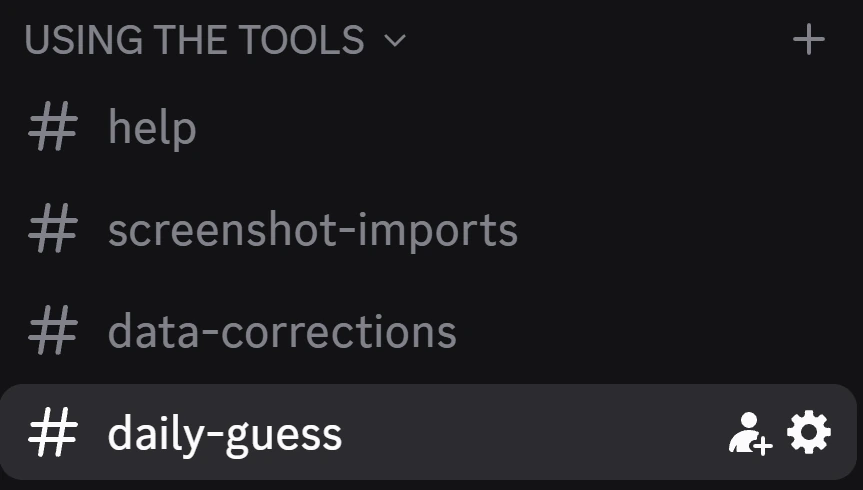
Go to Integrations
In the menu on the left of the channel settings, click Integrations.
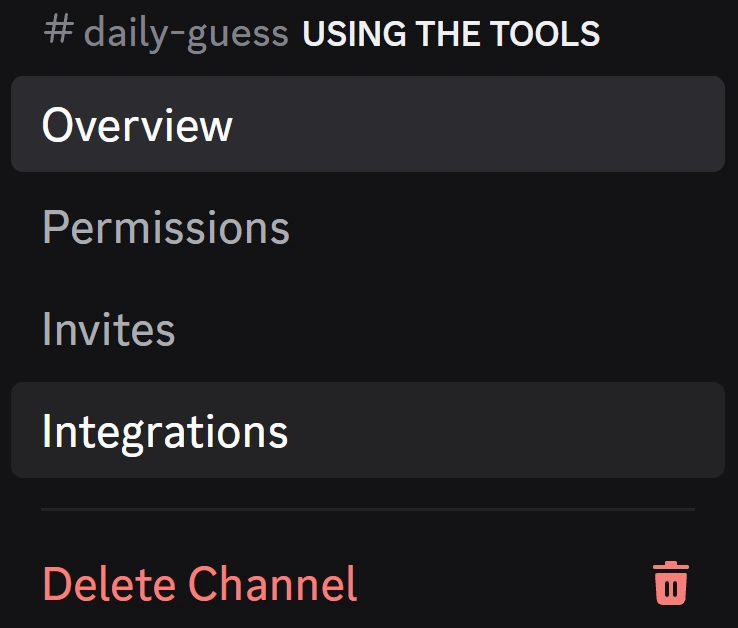
Create a webhook
Next to Webhooks, click Create Webhook. Discord makes one right away, with a random name.
Already have a webhook in this channel? The button is called New Webhook instead, one screen further in.

Give it a name and save
Type warincwiz.com in the Name box, then click Save Changes. Our posts always show that name and our logo, so you don't need to add a picture.
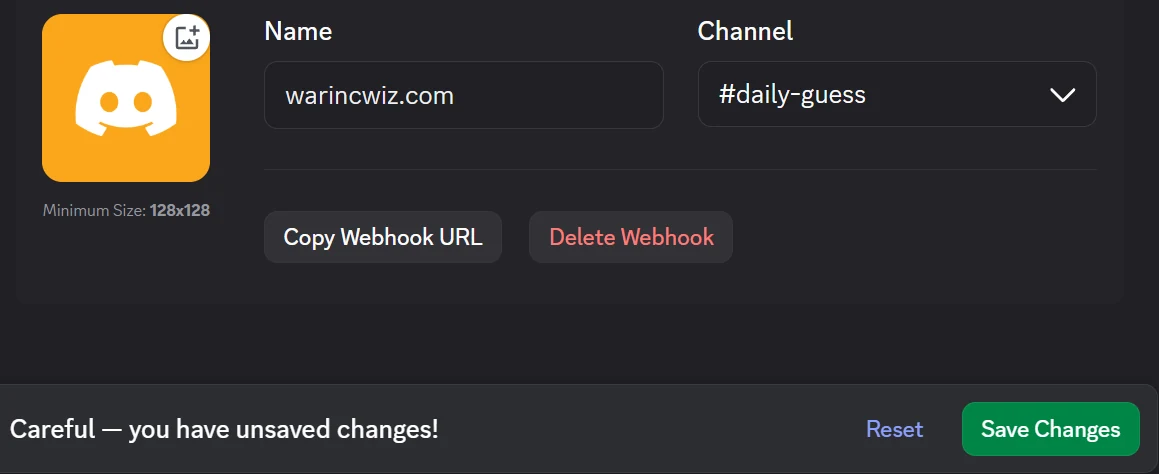
Copy the webhook URL
Click Copy Webhook URL. The link is now on your clipboard; Discord never shows it on screen.
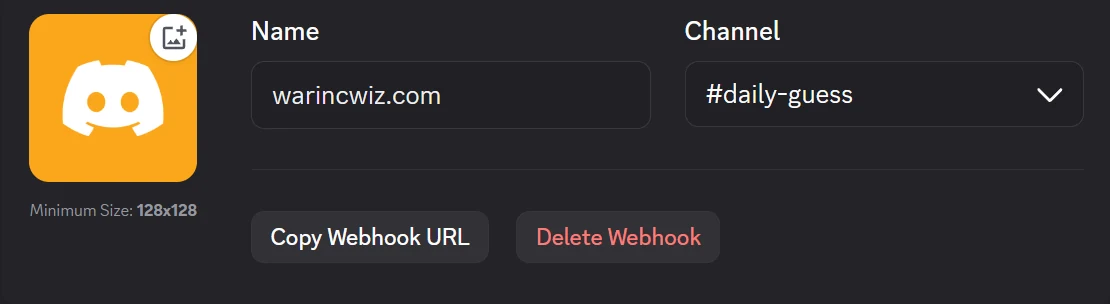
Send it to us here
Paste the link below with your server's name. We review every request; once it's approved you'll see one short test message in your channel, and from then on each new result posts by itself.
Send us your webhook
Paste the URL you copied in step 5 into this form. This is the only step on our side.
Sign in first. It's a free account, so we know who to contact about your server.
What shows up in your channel
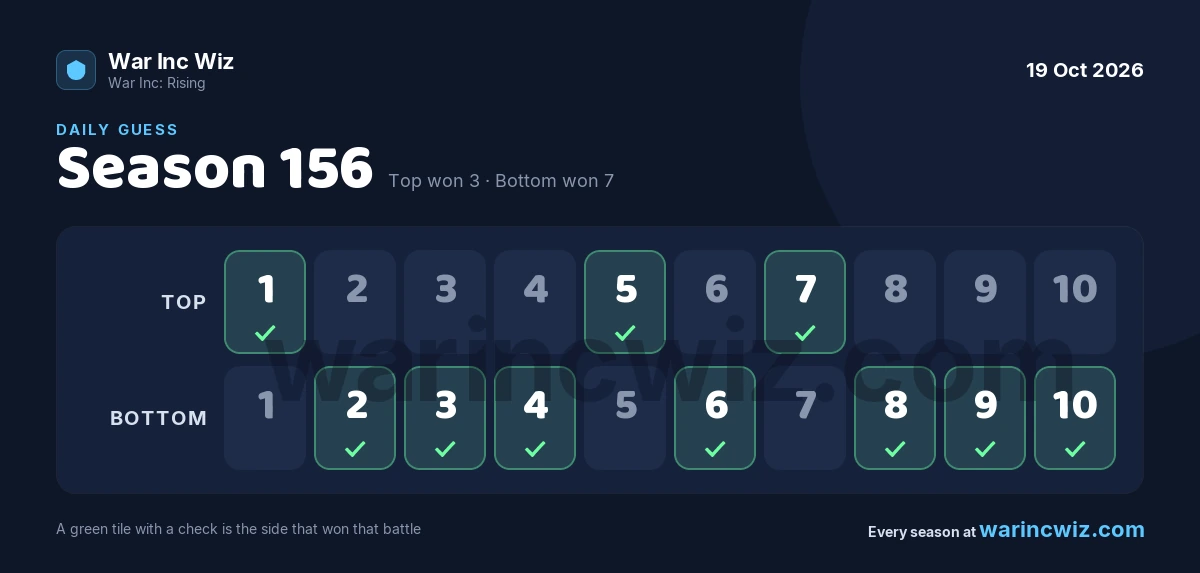
One post for each Daily Guess result, under the name you gave the webhook: a line saying which battles Top and Bottom won, a link to that day's results page, and this card. Green with a check is the side that won each battle.
Good to know
- New results only. Your channel gets the results that come in after we add your webhook, not past days. Those are all on the scoreboard.
- No pings. Posts never mention @everyone, roles or anyone else.
- Moving it. To use another channel, change the webhook's Channel in the same screen. Nothing changes on our side.
- Stopping. Click Delete Webhook in the same screen. Posts stop right away; you don't need to tell us, though it helps.